
Dashboard View consolidates every overdue, due-today, and upcoming task into a single prioritized surface where cross-functional teams can view, prioritize, and complete their action items without toggling between Accords.
Table of Contents
Who is Dashboard View for?
Dashboard View is available to all internal Accord customers. Dashboard View provides a variety of functionality for different personas:
External users will continue to see only the Accords they are invited to join.
Cross-functional contributors (SEs, CSMs): If you're tagged across multiple Accords in a supporting role, Dashboard View provides a consolidated and prioritized view of your commitments. No more toggling between individual Accords to piece together what's expected of you this week.
Sales Leadership: Filter across your team's active pipeline to surface overdue tasks, execution gaps, and at-risk deals. Dashboard View provides objective, cross-deal visibility into the activity that's often invisible until a deal has already slipped, helping you coach proactively and run sharper pipeline reviews.
Frontline Sellers: See all overdue, due-today, and upcoming steps across your book of business in one place. Spend less time checking individual Accords and more time taking action on the steps that move deals forward.
How It Works
Dashboard View is accessible from Accord's main navigation. It displays a consolidated step list pulled from all active Accords where you are involved as a point person or supporting contributor.
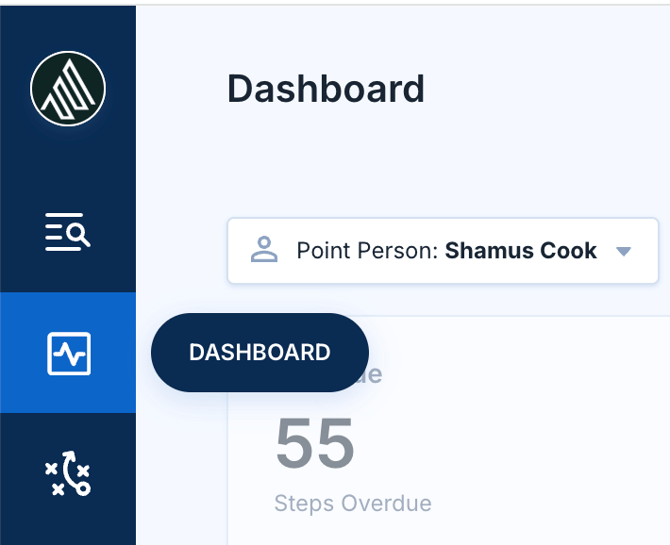
The dashboard organizes filtered steps into three urgency categories:
- Overdue: Any incomplete step where the due date has passed.
- Due Today: Steps with a due date of today.
- Due Soon: Steps due within the next 7 days.
Each task displays the step name, associated Accord name, due date, and step owner. Tasks are sorted first by status (overdue, then due today, then due soon) and then by the step due date within each group.

Filtering Your View
You can slice the dashboard to match your specific workflow using the following filters: Point Person, Step Owner, Accord, Playbook, and Archive Status.
These filters help you tailor the dashboard to your desired workflow. For example, an Account executive might filter to see only prospect-owned tasks to plan their follow-ups, while an SE or CSM might filter across all Accords where they're tagged as a supporting member.
Taking Action From The Dashboard
Viewing task details: Click on a step to open a detailed slideout. This displays the full context of the task, exactly as it appears inside the Accord itself.
Completing a task : You can mark any task as complete directly from the dashboard. When you complete a task, a confirmation notification will appear.
Navigating to the Accord: Click on the Accord name to jump directly into that Accord. Where possible, you’ll be taken to the specific step within the Accord for faster context.
Common Use Cases
SE managing deliverables across 20+ deals: Open Dashboard View to see every technical validation, proof-of-concept, and briefing prep due across all supporting deals. Filter by your name as Step Owner to isolate your action items and plan your week from a single screen.
CSM preparing for customer handoffs: Filter to surface onboarding-related tasks across your active accounts. Spot handoff steps that are approaching to prioritize your work.
Sales leader running a pipeline review: Filter by Point Person to pull up your team's active pipeline. Identify overdue tasks and execution gaps across their deals, then walk into the review with a clear, data-driven coaching agenda.
Account executive planning daily follow-ups: Open the dashboard each morning to see what's due today and overdue across your entire book of business. Filter to prospect-owned tasks to identify where follow-ups are needed, then knock them out without leaving the dashboard.
Executive sponsor checking engagement commitments: Filter to see only your tagged tasks to quickly confirm upcoming executive briefings, sponsor calls, or strategic touchpoints across the deals where you've been pulled in.